

The Power of a Modular Laptop Ecosystem
When I first upgraded my workhorse notebook, I realized that buying a single, monolithic machine limits long‑term adaptability. A modular ecosystem—where dock stations, external GPUs, and versatile input devices can be added or swapped—keeps the core laptop relevant as software demands evolve. By treating your laptop as the hub rather than the endpoint, you unlock the ability to scale performance without the expense and waste of a full replacement cycle.
Thermal Mastery: Keeping Cool Under Creative Pressure
High‑resolution video editing and 3D rendering push CPUs and GPUs into thermal throttling zones, which can cripple productivity. Investing in a high‑flow cooling pad, paired with a laptop stand that promotes optimal airflow, dramatically reduces heat spikes and extends component lifespan. I’ve also found that regularly cleaning the internal vents and applying a non‑conductive thermal paste can shave off precious seconds per render, a difference that adds up over weeks of work.
Future‑Proof Storage Strategies
SSD capacities surge annually, yet many creators still cling to a single 512 GB drive, forcing constant file shuffling. The smartest approach is to combine an internal NVMe drive for the OS and active projects with an external Thunderbolt‑compatible SSD for archival assets and large media libraries. This hybrid setup not only accelerates boot and load times but also safeguards your data against accidental loss, because the two drives operate independently.
Display Choices That Elevate Precision
A laptop’s built‑in panel often sacrifices color accuracy for cost, which is a nightmare for designers and photographers. Pairing your machine with an external monitor that offers 100 % sRGB coverage and a calibrated color profile ensures your work looks consistent across client devices. I prefer a 27‑inch IPS panel with a 144 Hz refresh rate; it delivers buttery‑smooth scrolling while preserving the subtle gradients essential to visual storytelling.
Power Management for Mobile Freedom
Battery life myths abound, but real gains come from intelligent power profiling. Modern operating systems let you create custom power plans that prioritize performance during intensive tasks and conserve energy during browsing or email. Pair this with a high‑wattage USB‑C charger and a portable power bank, and you’ll stay productive in cafés, co‑working spaces, or while traveling without hunting for outlets.
Optimizing Software Pipelines
The software you run can be as limiting as the hardware, so I always audit my toolchain for efficiency. Switching to lightweight alternatives for background tasks, disabling unnecessary startup programs, and using a dedicated SSD for cache files can free up RAM and CPU cycles for the creative work that matters. For those who juggle multiple applications, a virtual desktop manager helps keep each workspace organized, reducing context‑switch fatigue.
Leveraging Cloud Sync Without Sacrificing Speed
Cloud storage is indispensable for collaboration, yet latency can hamper real‑time editing. By selecting a provider that offers regional edge servers, you can sync large project files in seconds rather than minutes. For deeper insights on integrating cloud workflows, check out unbreakable workflow insights that detail how to balance local performance with remote accessibility.
Security Practices That Protect Creative Assets
Creative professionals often overlook endpoint security, assuming that cloud backups are enough. In reality, a compromised laptop can expose drafts, client contracts, and proprietary designs to malicious actors. Deploy a reputable hardware‑based VPN, enable full‑disk encryption, and keep your firmware updated to create layered defenses that safeguard your intellectual property.
Ergonomic Enhancements for Long‑Term Health
Spending hours hunched over a laptop keyboard can lead to repetitive strain injuries, a silent productivity killer. Investing in an external mechanical keyboard with adjustable key travel, a trackball or ergonomic mouse, and a monitor‑aligned desk setup promotes natural posture. Small adjustments, like a wrist rest or a sit‑stand converter, can dramatically reduce fatigue and keep your creative flow uninterrupted.
Continuous Learning: Staying Ahead of the Curve
The PC landscape evolves rapidly, and the best setups are those that anticipate future trends rather than react to them. Subscribe to reputable tech newsletters, participate in community forums, and test beta drivers to stay informed about performance enhancements. When you combine a modular hardware strategy with a proactive learning mindset, your laptop becomes a resilient platform that grows alongside your creative ambitions.

Ryan Stuart is a seasoned freelance features writer, editor, and professional photographer with a passion for exploring the world and capturing its beauty through words and images.
Related Posts
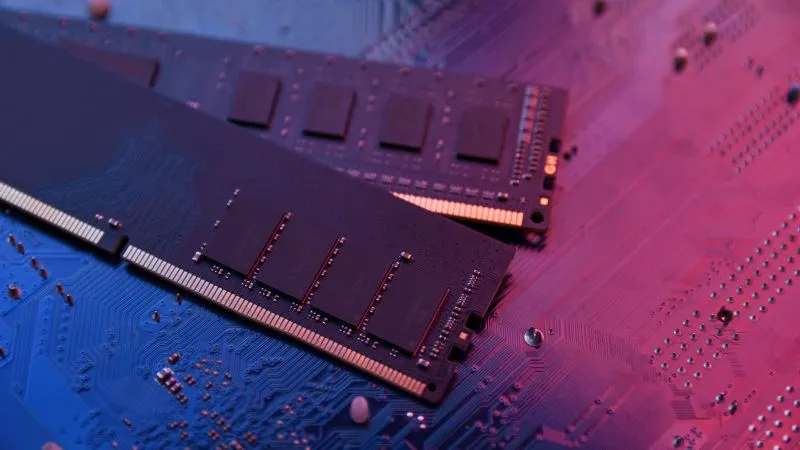
RAMageddon Continues to Affect Gaming Hardware Why is RAM so Expensive
RAM prices have spiked due to manufacturing complexities, the shift to DDR5, and massive demand from... Read More
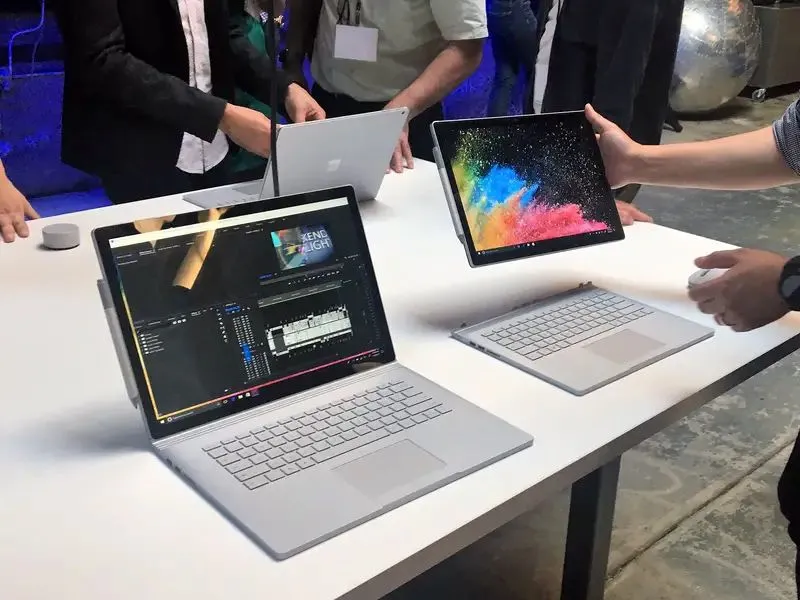
The 12-Inch Microsoft Surface Pro: Smaller, Cheaper, Longer Lasting – A Paradigm Shift in Productivity Devices
In the ever-evolving landscape of digital productivity, Microsoft has recalibrated its expectationsâ... Read More

Why Your Laptop Should Be Treated Like a Personal Innovation Hub
Modern laptops are evolving into personal innovation hubs thanks to AI integration, modular upgradab... Read More
Top Posts

The Nutritional Blueprint: Identifying Top Baby Formulas for Immune System Support
The foundational period of infancy is a time of rapid immunological development. While human breast milk remains the gold standard for providing unparalleled im...Read More

The Intersection of Sustainable Living and Software Development
The software industry has a significant environmental impact, but it also has the potential to promote sustainable living. Learn how software development can be...Read More

AI Content Detection: The New SEO Battleground
AI content detection is rapidly becoming a pivotal factor in SEO. This article dives into how detection algorithms work, why SaaS brands must adapt, and practic...Read More

Decoding the AI Revolution: A Human-Centric Roadmap for the Future
AI is reshaping our world. Robert Mathews delves into its current landscape, transformative power, and the ethical challenges it presents. Learn how individuals...Read More
0 Comments
Post Comment
You will need to Login or Register to comment on this post!