
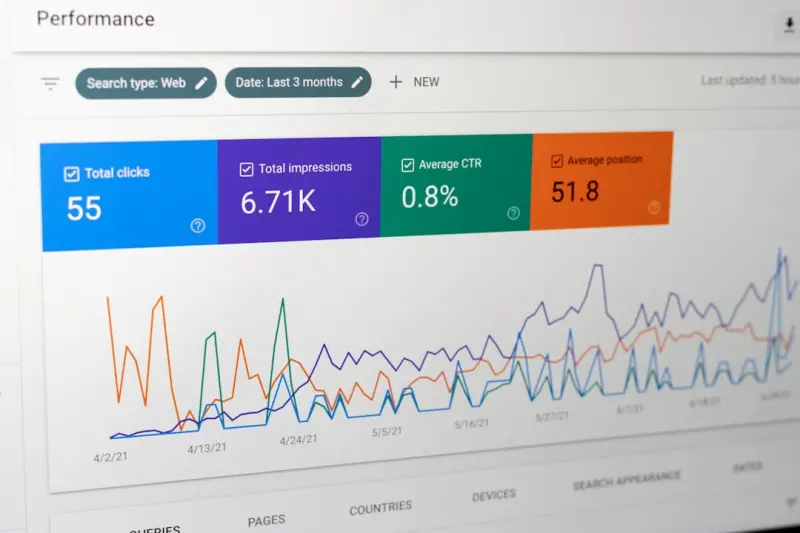
When I first started tinkering with website copy, I treated on‑page SEO like a checklist: keywords here, meta tags there, headings in the right order. Over time, I realized that the real magic happens when you fuse the science of search with the art of human psychology. In this piece, I’ll walk you through a fresh, human‑first framework for on‑page SEO that goes beyond “keyword stuffing” and leans into the way people actually read, decide, and act online.
Why Traditional Checklists Fall Short
Most SEO guides still revolve around static bullet points: “Include the keyword in the first 100 words,” “Use H1‑H3 hierarchy,” “Add alt text to every image.” While those fundamentals matter, they ignore a critical variable – the reader’s cognitive journey. Google’s algorithms have become adept at measuring user satisfaction signals (bounce rate, dwell time, pogo‑sticking). If your page looks good on paper but feels disjointed to a human, the rankings will suffer.
The Cognitive Bias Toolkit
Humans are wired with shortcuts that help us make quick decisions. Leveraging these biases on your page can subtly guide visitors toward the actions you want. Below are five biases you can embed directly into your on‑page elements.
- Contrast Effect: Position a premium offering next to a standard one to make the latter seem more affordable.
- Social Proof: Sprinkle brief, credible testimonials or data points (“Trusted by 12,000+ marketers”) near call‑to‑actions.
- Reciprocity: Offer a free downloadable cheat sheet right after a paragraph that solves a pain point.
- Scarcity: Use limited‑time language (“Only 5 slots left today”) in subheadings.
- Anchoring: Present a higher‑priced plan first, so the following options appear more reasonable.
When these biases are woven into headings, meta descriptions, and body copy, you’re not just ticking SEO boxes – you’re crafting a persuasive experience that aligns with Google’s user‑experience metrics.
Meta Descriptions as Mini‑Ads
Think of the meta description as a 160‑character billboard on the highway of search results. It should:
- Answer the “what’s in it for me?” question instantly.
- Incorporate a primary keyword naturally.
- Include a call‑to‑action that sparks curiosity (“Discover how to double your email open rates”).
- Leverage the Curiosity Gap bias – hint at a solution without giving it all away.
Instead of a bland “Learn about on‑page SEO,” try: “Unlock the hidden psychology behind high‑ranking pages – get actionable tips now.” Notice the promise and the subtle urgency.
Header Hierarchy as Narrative Flow
Headings aren’t just for SEO; they’re the scaffolding of your story. When I map out a page, I ask myself: “If this were a short film, what’s the opening scene, the turning point, and the climax?” Aligning your H1‑H3 tags with a narrative arc keeps readers engaged, reduces bounce, and signals structure to crawlers.
For example:
- H1: The Ultimate Guide to Human‑Centric On‑Page SEO
- H2: Why Psychology Beats Keyword Counts
- H3: The Five Biases That Supercharge Your Content
This layered approach also creates natural opportunities for personalized SERP trends to surface, as Google often pulls subheadings into rich results.
Optimizing for Voice & Conversational Search
With smart speakers and mobile assistants becoming household staples, users now ask questions in full sentences. On‑page SEO must adapt:
- Incorporate question‑based phrases (“How do I improve my bounce rate?”) in H2s and paragraph openings.
- Use concise, direct answers within the first 40 words – Google often pulls these for voice snippets.
- Structure data with
FAQPageschema to increase the chance of being read aloud by assistants.
By treating your content as a conversational partner, you not only capture voice traffic but also improve readability for humans.
Image SEO: Beyond Alt Text
Images are powerful visual cues, yet they’re often overlooked in the SEO strategy. Here’s how to elevate them:
- Descriptive Filenames: Instead of
IMG_1234.jpg, useon-page-seo-psychology-diagram.jpg. - Alt Text with Intent: Blend the keyword with a brief description (“Diagram showing the contrast effect in on‑page copy”).
- Compressed Yet Crisp: Use modern formats like WebP to reduce load time – a direct ranking factor.
- Structured Data: Add
ImageObjectschema for key visuals that you want Google to spotlight.
When images load quickly and convey meaning, dwell time improves, and Google sees the page as higher quality.
Internal Linking as a User Journey Map
Every internal link is a breadcrumb guiding the reader deeper into your ecosystem. Apply these principles:
- Use descriptive anchor text – avoid generic “click here.”
- Link to relevant, value‑adding content, not just for the sake of passing link equity.
- Maintain a logical flow – the next page should answer the follow‑up question from the current page.
For instance, after discussing cognitive biases, you might link to a case study that showcases “real‑time SEO” tactics, like this: real‑time SEO tactics. This not only boosts SEO but also keeps the reader engaged.
Balancing Accessibility with SEO
Accessibility isn’t a box to tick; it’s a cornerstone of a user‑first approach. Google rewards sites that are both searchable and usable. Here’s how to merge the two:
- Logical Tab Order: Ensure keyboard navigation follows the visual flow.
- Contrast Ratios: Meet WCAG AA standards – this also improves readability for all users.
- Readable Font Sizes: Larger fonts reduce bounce on mobile, a ranking factor.
- Descriptive Link Text: Screen readers rely on meaningful anchors – this dovetails with SEO best practices.
By designing for everyone, you naturally align with Google’s quality guidelines.
Schema Markup: The Quiet Powerhouse
Schema isn’t just for e‑commerce. For on‑page SEO, consider these types:
- Article – helps Google understand the main content and author.
- FAQ – perfect for question‑based headings.
- HowTo – if you’re providing step‑by‑step guides.
- BreadcrumbList – clarifies site hierarchy.
Implementing even a few snippets can elevate your chances of appearing in rich results, which dramatically boosts click‑through rates.
Performance: The Unsung Hero
Page speed is a classic ranking factor, but its impact on user perception is often underestimated. A fast, smooth experience reduces frustration and encourages deeper exploration. Optimize by:
- Minifying CSS & JavaScript.
- Leveraging browser caching.
- Using a CDN for global delivery.
- Prioritizing critical rendering path – load above‑the‑fold content first.
Remember: a 1‑second delay can shave off up to 7% of conversions. Fast pages keep both users and search engines happy.
Measuring Success: Beyond Rankings
Traditional SEO reporting focuses on positions and organic traffic. For a human‑centric approach, track these additional metrics:
- Average Time on Page: Indicates content relevance.
- Scroll Depth: Shows how far readers go – a proxy for engagement.
- Interaction Rate: Clicks on embedded CTAs, forms, or video plays.
- Accessibility Scores: Tools like Lighthouse give you a holistic view.
Combine these with Google Search Console data, and you’ll have a 360‑degree picture of how your on‑page SEO is truly performing.
Putting It All Together: A Mini‑Blueprint
Here’s a quick checklist you can apply to any new piece of content:
- Research user intent – map out the primary question and related sub‑questions.
- Draft a narrative arc using H1‑H3 tags that tell a story.
- Embed cognitive biases in headings, bullet points, and CTAs.
- Write a compelling meta description that promises a benefit and includes a CTA.
- Optimize images with descriptive filenames, alt text, and schema.
- Insert internal links that naturally extend the user journey (real‑time SEO tactics).
- Apply schema markup appropriate to the content type.
- Test for accessibility – ensure contrast, font size, and ARIA labels are in place.
- Run performance audits and fix any load‑time issues.
- Monitor behavioral metrics post‑publish and iterate.
Follow this flow, and you’ll craft pages that satisfy both Google’s algorithms and the human brain – the ultimate win‑win.
Final Thoughts
On‑page SEO has matured from a mechanical checklist into a nuanced discipline where psychology, accessibility, and performance intersect. By treating each element as a touchpoint in a broader user experience, you’ll not only climb the rankings but also build lasting relationships with your audience. The next time you sit down to optimize a page, ask yourself: “Am I speaking to a search engine, or am I inviting a human to stay, learn, and act?” The answer will shape the quality of your content and, ultimately, your success.

Sanji Patel is a Staff Writer at Blogging Fusion and a globally recognized SEO consultant with 25 years of industry experience. He specializes in delivering comprehensive technical and editorial SEO services to news publishers worldwide. Sanji frequently shares his insights as a speaker at international conferences and delivers annual guest lectures at local universities.
Professional Profile
- Current Role: Staff Writer at Blogging Fusion.
- Core Expertise: Technical and editorial SEO strategy.
- Target Audience: Global news publishers and digital media outlets.
- Industry Experience: 25 years of dedicated SEO consultancy.
- Public Engagement: International conference speaker and university guest lecturer.
Related Posts
Mastering On‑Page SEO: A Sprint‑Focused Blueprint for Higher Rankings
A fast‑paced, sprint‑inspired guide to mastering on‑page SEO, from keyword intent to Core Web ... Read More
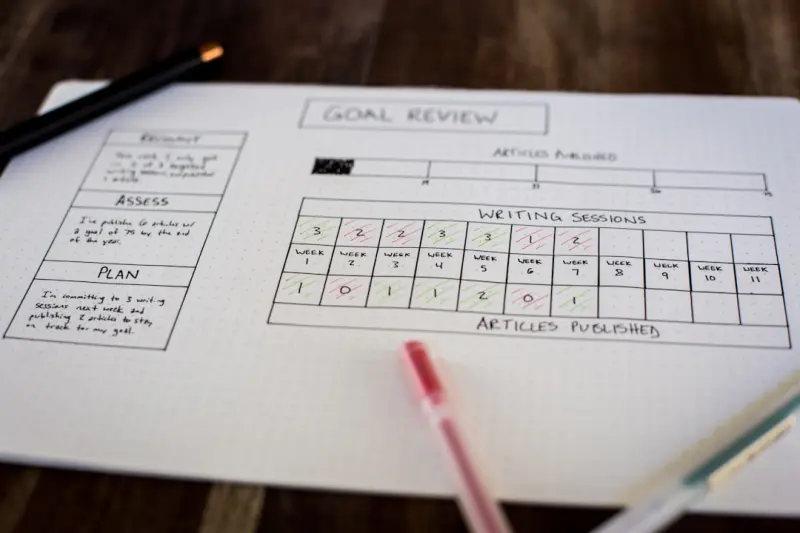
Beyond Keywords: A Tactical Playbook for Modern On-Page SEO
This post reframes on‑page SEO as a product discipline, covering intent mapping, schema, AI‑assi... Read More
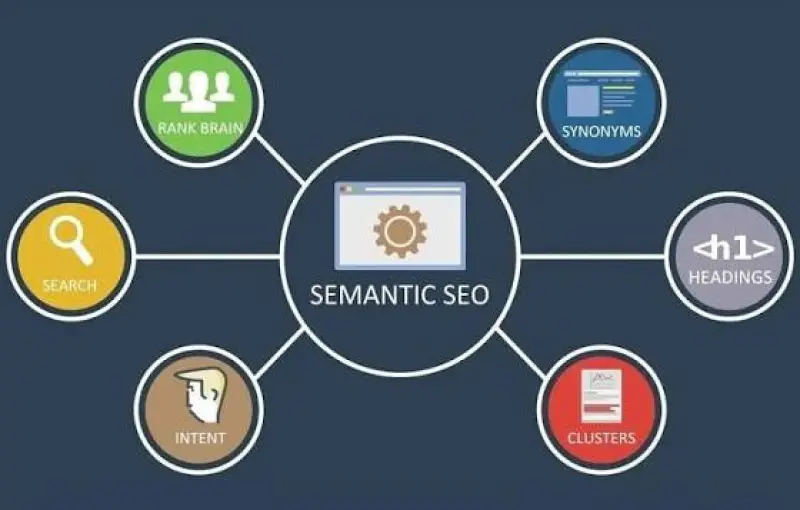
The Secret Power of Semantic HTML for On-Page SEO
Learn why semantic HTML is the hidden engine behind better rankings, how to audit and upgrade your p... Read More
Top Posts

Smart Storage Hacks for Multi‑Gen Homes: Keep Everyone Happy
A warm, step‑by‑step guide to creating flexible, family‑friendly storage zones that work for kids, parents, and grandparents alike....Read More

The Intersection of Law and Sustainable Living: A New Era of Eco-Friendly Innovation
The intersection of law and sustainable living is driving a new era of eco-friendly innovation. Learn how lawyers can play a critical role in driving sustainabl...Read More

The Best ChatGPT Rank‑Tracking Tools: A Professional Guide for Content‑Driven Teams
In the rapidly evolving world of AI‑generated content, the ability to monitor how that content performs in search results has become as essential as the creat...Read More
LinkedIn as a SaaS Growth Engine: Community, Storytelling, and Data‑Driven Outreach
LinkedIn isn’t just a resume site—it's a living sales funnel. Learn how to build micro‑communities, share story‑first content, and leverage data‑drive...Read More
0 Comments
Post Comment
You will need to Login or Register to comment on this post!