

Why Every Modern Creator Needs a Hybrid Toolkit
When I first started juggling freelance design, coding, and occasional DIY projects, I quickly realized that my success hinged on the tools I carried—both digital and physical. A hybrid toolkit isn’t just a bag of gadgets; it’s a philosophy that blends tactile reliability with the flexibility of cloud‑based software, enabling you to pivot instantly when inspiration strikes. By curating a set of versatile instruments, you reduce friction, keep momentum high, and protect yourself from the endless “I wish I had… ” moments that sap creativity. In this guide I’ll walk through the essential categories, the rationale behind each pick, and how they synergize to supercharge any creator’s workflow.
The Core Digital Arsenal: Software That Moves With You
The first layer of any hybrid toolkit is the suite of cloud‑first applications that follow you across devices. I swear by a lightweight note‑taking app that syncs in real time, letting me capture a spark while commuting, then expand it on my desktop without missing a beat. Pair this with a modular project board that lets you toggle between kanban, list, or timeline views, ensuring that every task, from brainstorming to delivery, stays visible. What truly differentiates a powerful digital stack is integration—tools that speak to each other through APIs, reducing manual copy‑pasting and keeping your focus on creation, not administration. If you’re looking for inspiration on how to make your web presence more efficient, check out semantic HTML techniques that streamline both SEO and accessibility.
Physical Tools That Complement the Cloud
While software keeps your ideas organized, the right physical tools give you the tactile feedback that digital can’t replicate. A high‑quality multi‑bit screwdriver set, for example, is a lifesaver when you’re assembling custom hardware or fixing a broken stand for your laptop. I also keep a compact portable scanner in my bag; it transforms printed sketches into editable PDFs on the fly, bridging the analog‑digital divide. The magic happens when these tools are modular—think interchangeable drill bits, magnetic wristbands for screws, and a foldable laptop stand that doubles as a drafting table. This modularity means you can adapt to any environment, from a coffee shop to a client’s workshop, without lugging around a separate kit for each scenario.
Ergonomic Essentials for Long‑Haul Creativity
Spending hours hunched over a keyboard can quickly turn a passion project into a painful ordeal, so ergonomics must earn a spot in your toolkit. I’ve invested in an adjustable sit‑stand desk converter that slides under any surface, letting me switch between sitting and standing with a single lever. Complementing that is a pair of memory‑foam wrist rests that keep my hands aligned during marathon typing sessions. These seemingly minor additions pay massive dividends in health and productivity, allowing you to maintain focus for longer stretches without the typical fatigue. For creators who spend a lot of time on web design, a calibrated color‑accurate monitor calibrated through a simple hardware dongle ensures that every shade you choose looks consistent across devices.
Power Management: Staying Charged Anywhere
Nothing kills momentum faster than a dead battery. That’s why a robust power strategy is non‑negotiable. I carry a high‑capacity power bank with multiple USB‑C ports and a built‑in AC outlet, capable of charging a laptop, phone, and even a small DSLR simultaneously. Adding a compact solar panel to your bag can extend that autonomy when you’re outdoors, turning daylight into reliable juice. It’s also wise to keep a spare set of universal travel adapters, especially if your work takes you across borders. With these power solutions, you eliminate the anxiety of searching for the nearest outlet, and you stay ready to capture that golden‑hour photo or finish a client demo on the spot.
Secure Collaboration: Keeping Your Tools Safe
When your toolkit includes valuable hardware and sensitive digital assets, security can’t be an afterthought. A portable biometric lock for your laptop bag adds a physical layer of protection, while a hardware‑encrypted USB drive safeguards client files during transit. On the software side, adopting end‑to‑end encrypted communication platforms ensures that brainstorming sessions stay private, even when you’re sharing screens over a public Wi‑Fi. Integrating these security measures into your daily routine may feel like extra steps, but they prevent costly breaches and keep your reputation intact. If you want to see how micro‑interactions can reinforce trust in user experiences, explore human‑first micro‑interactions for actionable ideas.
Continuous Learning: Tools That Grow With You
One of the most overlooked aspects of a toolkit is its capacity to evolve. Subscribing to a curated list of online courses, webinars, and maker‑community newsletters ensures that you stay ahead of emerging trends and can integrate new tools without a steep learning curve. I also keep a small notebook of “tool experiments”—quick tests of new plugins, gadgets, or workflow hacks—that I revisit monthly to decide what earns a permanent spot. This iterative approach turns your toolkit into a living system, constantly refined by feedback and real‑world usage, rather than a static collection that gathers dust.
Packaging It All: The Portable Kit That Travels Light
The final piece of the puzzle is how you pack everything. I use a modular messenger bag with dedicated compartments for electronics, a padded sleeve for fragile tools, and external loops for quick‑grab items like a stylus or cable ties. This organization not only protects your equipment but also speeds up the “grab and go” process, letting you transition from a client meeting to a field shoot without rummaging. Adding a lightweight, water‑resistant cover ensures that unexpected weather won’t compromise your gear. By treating your bag as an extension of your workflow, you transform chaos into a seamless, mobile studio.
Putting It All Together: Your Path to a Seamless Creator Experience
When you blend thoughtfully chosen digital platforms, reliable physical hardware, ergonomic comforts, power solutions, and security measures into a single, portable system, you create a catalyst for unstoppable creativity. This hybrid toolkit eliminates the friction points that most creators face, allowing ideas to flow from mind to execution without interruption. Start by auditing your current setup, identify gaps, and then incrementally add the components discussed above. Over time, you’ll notice a marked improvement in efficiency, client satisfaction, and personal well‑being—proof that the right tools truly amplify talent.

Tyler Johnson is a seasoned freelance writer with a keen eye for detail and a passion for crafting compelling narratives. His years of experience have honed his ability to adapt his style to suit diverse client needs and project requirements.
Related Posts
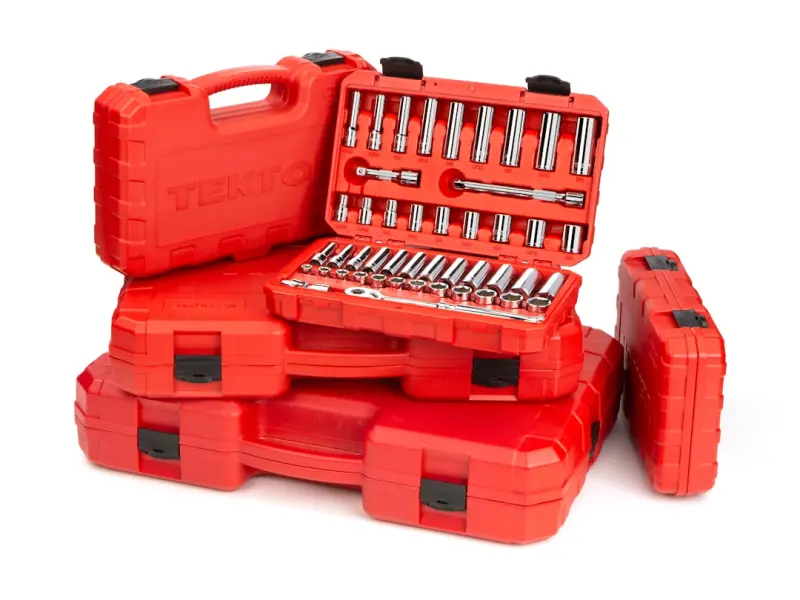
Beyond the Toolbox: How Modular Tool Systems Are Redefining DIY Projects
I explore the rise of modular tool systems that combine flexibility, portability, and intelligence, ... Read More
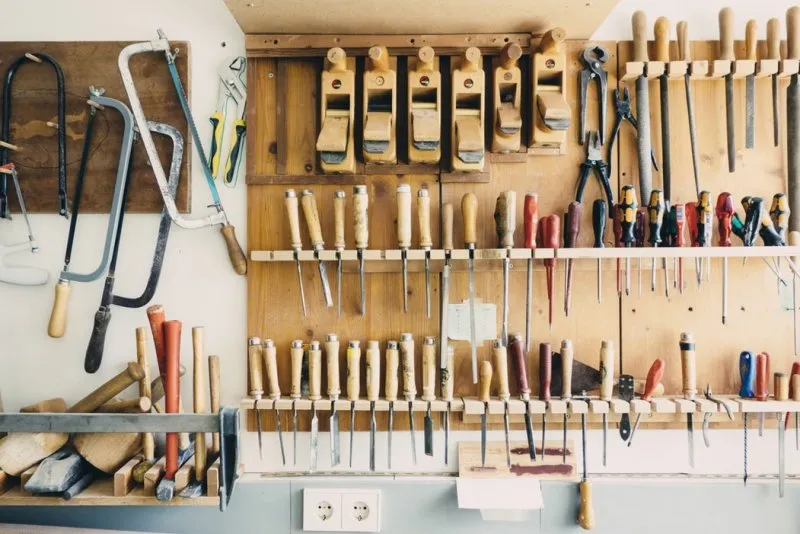
Tools And Fixings That Every Carpenter Needs
Carpentry is an age-old craft that has evolved over time, adapting to new materials, technologies, a... Read More

Tool Talk: Laura Wilson’s Rebel Guide to the Must‑Have Gear of 2024
Laura Wilson shares her personal, rebel‑styled perspective on the 2024 tool landscape, highlightin... Read More
Top Posts
Why TikTok’s Secret Sauce Is the Next Playbook for B2B SaaS Growth
TikTok isn’t just a teen dance platform—it’s a live lab for personalization, community advocacy, and rapid feedback. Learn how B2B SaaS firms can turn Tik...Read More
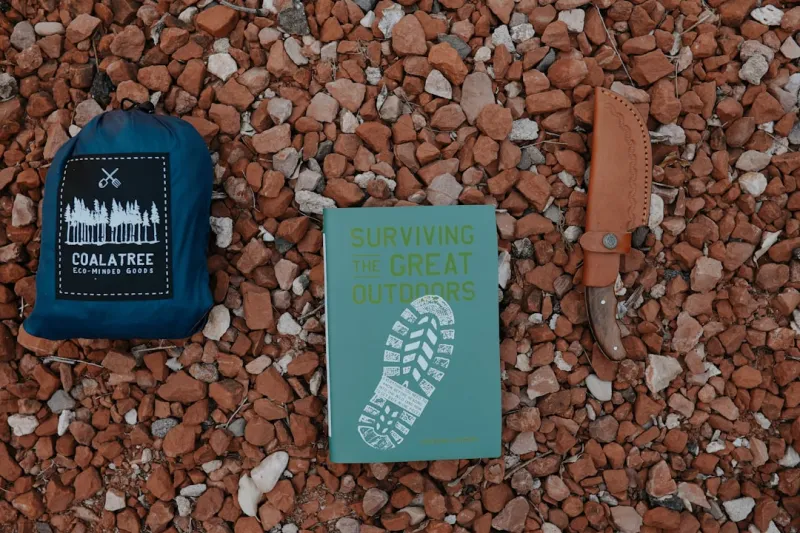
Trailblazing the Outdoors: David Moore’s Playbook for Adventurous Living
David Moore reveals how to turn every hike into a growth opportunity, blending gear hacks, tech, and mindfulness for a bold, balanced outdoor lifestyle....Read More
Sneaker Customization: A Sustainable DIY Journey for Fashion Lovers
Explore a hands‑on, sustainable approach to sneaker customization that merges personal style, eco‑materials, and a low‑cost side hustle—perfect for fash...Read More
WordPress as the Backbone of Scalable B2B SaaS Experiences
WordPress isn’t just a blogging tool—it can serve as a headless CMS, Multisite partner network, and secure content hub for modern B2B SaaS companies, unlock...Read More
0 Comments
Post Comment
You will need to Login or Register to comment on this post!