
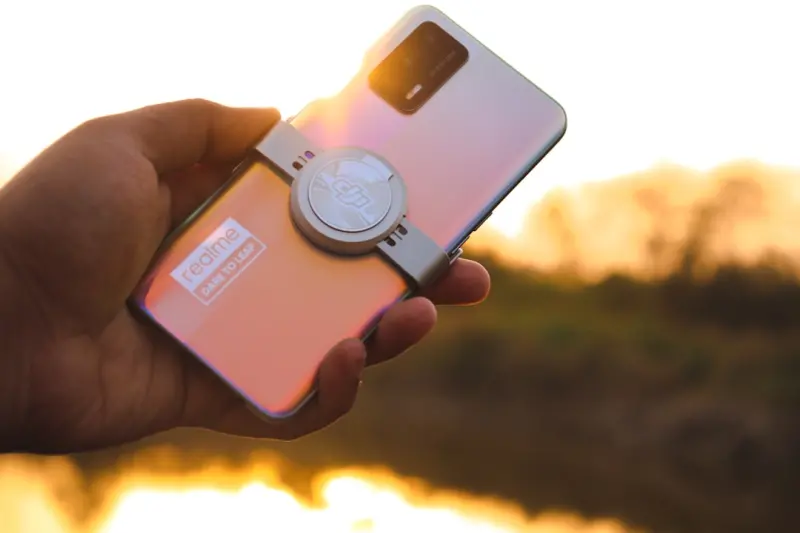
When I first held a smartphone that could actually recognize my handwriting, I felt a mix of awe and mild terror. Awe, because the device seemed to be learning me; terror, because I wondered how many other eyes were watching. Over the years, my relationship with my pocket‑sized companion has evolved from a novelty‑driven fling to a nuanced partnership. In this post I’ll peel back the layers of that partnership, spotlight the hidden habits that shape our professional lives, and suggest concrete ways to turn a ubiquitous distraction into a strategic ally.
The Unseen Power of “Micro‑Habits” on Your Phone
We all hear about micro‑learning, micro‑automation, and micro‑movements. But there’s a micro‑habit ecosystem humming silently on the home screen of every smartphone. It’s the habit of checking a notification, the habit of scrolling a feed, the habit of opening a note‑taking app. Each of these tiny actions compounds over weeks and months, either amplifying productivity or eroding focus.
To understand why, imagine your phone as a digital concierge. It greets you with weather, calendar nudges, and a curated news feed. If you let the concierge take the lead without a clear script, you quickly become a passive passenger. The trick is to script the concierge’s behavior: assign each app a purpose, set strict entry and exit points, and use built‑in tools like focus modes or digital well‑being dashboards to enforce those boundaries.
From “Always‑On” to “Strategically‑On”: Redefining Availability
One of the biggest myths in the modern workplace is that constant availability equals commitment. The reality is that the “always‑on” mindset fuels burnout, dilutes creative thinking, and skews decision‑making. Instead of letting the phone dictate your rhythm, flip the script: designate strategic windows for deep work, collaboration, and reflection.
During deep‑work windows, turn on Do Not Disturb and hide non‑essential apps behind folders or even uninstall them temporarily. In collaboration windows, enable quick‑reply shortcuts and use AI‑driven transcription tools to capture meeting notes without missing a beat. Finally, during reflection windows, use your phone’s health data—step count, heart‑rate variability, screen‑time—to gauge whether you’re truly recharging.
Leveraging AI‑Powered Cameras for Professional Storytelling
If you’ve ever tried to capture a product demo with a handheld camera, you know the struggle: shaky footage, poor lighting, and a frantic search for the perfect angle. Modern smartphones have turned that pain point on its head. With AI‑enhanced computational photography, you can produce broadcast‑quality video with a single hand.
- Scene Detection: The camera automatically identifies whether you’re indoors, outdoors, or in a low‑light environment and adjusts exposure in real time.
- Portrait Mode for Screens: By treating your laptop or tablet as a “subject,” the phone isolates the screen and blurs the background, creating a clean, professional look.
- Live Text & Translation: Capture a whiteboard, then instantly extract the text for inclusion in a slide deck or email.
These capabilities mean you no longer need a dedicated videographer for quick demos or internal training videos. A well‑composed phone clip can become the centerpiece of a client pitch, a LinkedIn post, or a knowledge‑share session.
Turning Your Phone Into a Personal Knowledge Hub
Think of the phone as a portable second brain. Instead of using scattered sticky notes, email drafts, and cloud folders, consolidate your ideas with a single, searchable system. Apps like Notion, Obsidian, or even the built‑in notes app now support bi‑directional linking, turning a random thought into a node on a growing network of insights.
Here’s a quick workflow to get started:
- Whenever an idea strikes, capture it in a short note. Tag it with a keyword (e.g., #product, #marketing).
- At the end of the day, review the tags and link related notes together, forming a mini‑map of that day’s mental journey.
- Once a week, export the network view to a PDF or slide deck to share with teammates—turning private musings into collaborative assets.
This habit not only declutters your mind but also creates a living repository you can pull from during brainstorming sessions or client meetings.
Guarding Your Data Without Feeling Paranoid
We’ve all heard the horror stories: a rogue app siphoning location data, a malicious link compromising credentials. The challenge is striking a balance between vigilance and paranoia. The solution lies in granular permission control and the habit of regular audits.
Most modern smartphones now let you grant permissions on a per‑use basis. For example, you can allow an app to access your camera only while you’re actively using it, rather than “always.” Set a monthly reminder to review these permissions; you’ll be surprised how many apps retain access they no longer need.
For an extra layer of confidence, consider a privacy‑first password manager that autofills credentials without ever exposing your password to the app itself. Combine that with a hardware‑based security key for two‑factor authentication, and you’ve built a fortress around the most vulnerable gateway—your phone.
Smartphone Sustainability: Extending the Life Cycle
While the buzz around sustainable gaming and green tech is loud, the conversation about smartphone longevity is still muted. Most users replace their device every 18‑24 months, driven by a mix of marketing pressure and minor performance hiccups. Yet, extending a phone’s life can dramatically reduce e‑waste and lower your carbon footprint.
Here are three pragmatic steps you can adopt:
- Software Refresh: Keep your OS and apps updated. Manufacturers often release performance optimizations that make older hardware feel snappy.
- Battery Care: Use the built‑in battery health tools to monitor charge cycles. Aim for a 20‑80% charge window and avoid overnight charging when possible.
- Modular Accessories: Swap out worn‑out components—like camera lenses or protective cases—rather than discarding the whole device.
When you pair these habits with a conscious decision to sell or donate your older device, you close the loop and contribute to a circular economy.
Integrating “Micro‑Automation” Into Your Daily Phone Use
Automation isn’t just for developers or IT teams; it can be a personal productivity catalyst. By stitching together short, automated flows—what I like to call “micro‑automation”—you can shave minutes off repetitive tasks. For instance, you could set up a shortcut that:
- Launches your calendar, pulls the next meeting title,
- Creates a new note with that title pre‑filled,
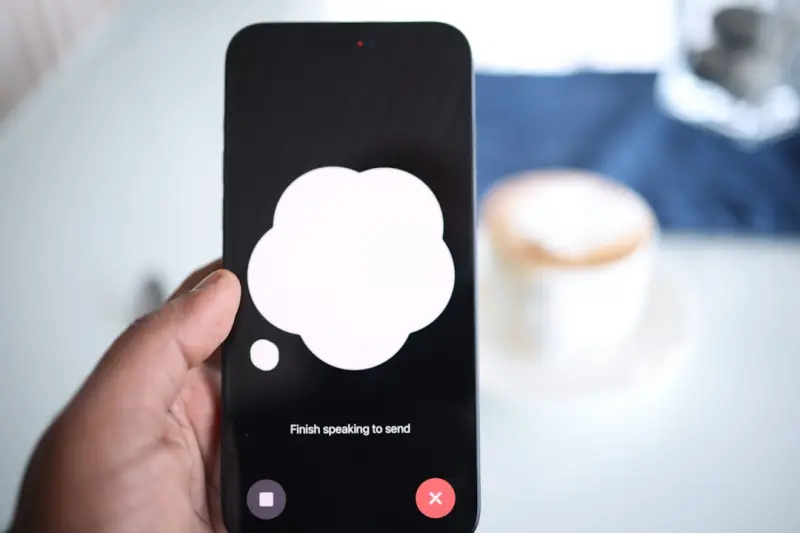
- Starts a voice‑to‑text recording, and
- Emails the draft to yourself when you stop speaking.
These tiny time‑savers accumulate, giving you more mental bandwidth for strategic thinking. If you’re curious about how to start building these flows, check out automation tricks that blend into your daily workflow for a hands‑on guide.
Phone‑First Strategies for Remote Teams
Remote teams have long relied on laptops and desktop browsers for collaboration. Yet, the mobile experience offers a surprisingly robust set of tools for quick decision‑making. Here’s how you can embed phone‑first practices into your team’s rhythm:
- Instant Polls: Use a simple messaging app’s poll feature to gather feedback on a design mockup within minutes.
- Voice‑Only Huddles: A five‑minute voice chat can resolve ambiguities faster than a long email thread.
- Screen‑Share Snapshots: Capture a screenshot of a problematic UI, annotate it on the phone, and share instantly via a project channel.
These practices keep the communication loop tight and reduce the friction that often arises when teammates are juggling multiple time zones.
Monetizing Your Smartphone Skills Without Feeling “Sell‑y”
Many professionals wonder how to turn their phone‑savvy into a side income. The key is to focus on value‑based services rather than product pushes. Consider offering:
- Micro‑consultations: 15‑minute video calls where you help a client polish a pitch deck using your phone’s design tools.
- Content Audits: Review a brand’s social media presence from a mobile‑first perspective, delivering a report that highlights quick wins.
- On‑the‑Go Workshops: Live‑stream a short tutorial on leveraging AI camera features for LinkedIn videos.
These offerings tap into the growing demand for agile, mobile‑first expertise while keeping your workload manageable.
Future‑Proofing: Preparing for the Next Wave of Smartphone Innovation
Even if you’re not planning to upgrade your device tomorrow, it’s wise to keep an eye on emerging trends:
- Foldable Displays: These promise new multitasking paradigms, essentially turning your phone into a pocket‑sized tablet.
- Satellite Connectivity: Rural teams will soon have reliable internet without relying on terrestrial networks.
- On‑Device AI Models: Expect more privacy‑preserving features that run AI inference locally, reducing data transmission.
By staying informed, you can adapt your workflows early, ensuring that the next hardware iteration amplifies—not disrupts—your productivity.
Wrapping It All Up
Smartphones are far more than distraction machines; they’re evolving into personal command centers, creative studios, and sustainability champions. The secret to harnessing their power lies in intentional micro‑habits, strategic availability windows, and a willingness to automate the mundane. When you treat your phone as a partner rather than a pest, you unlock a level of efficiency that ripples across every facet of your professional life.
Ready to experiment? Start by picking one habit from this post—maybe a weekly knowledge‑hub audit or a nightly permission review—and stick with it for thirty days. You’ll be surprised at how much you can achieve with a device you already have in your pocket.
For deeper dives into automation and real‑time insights, explore instant financial snapshots and see how data can become a seamless part of your mobile workflow.

Miranda Murphy: Experienced freelance writer with a decade of storytelling expertise. Let's create something amazing together!
Related Posts

Your Smartphone as a Personal Data Hub: Opportunities and Safeguards
Smartphones now store a wealth of personal and professional data, making them powerful hubs but also... Read More
Why Your Next Smartphone Should Be a Mindful Companion
Discover why today’s smartphones are shifting from distraction machines to mindful companions, wit... Read More

Modular Magic: Reimagining Smartphones for a Sustainable Future
Modular smartphones let you swap out batteries, cameras, and more, turning your phone into a sustain... Read More
Top Posts

Guarding Giggles: Modern Strategies for Kids Safety in a Fast‑Paced World
Learn how to blend speed with vigilance, using digital tools, quick drills, and community support to protect kids in a world that never slows down....Read More

The Untamed Path: Embracing the Wilderness for a Fuller Life
Join Seth Samual on a journey into the wild. Learn how outdoor recreation can profoundly improve your physical health, mental well-being, and overall life, insp...Read More

Designing for the Human Brain: Neuro‑Friendly Web Experiences
Discover a brain‑centric approach to web design that reduces cognitive load, improves accessibility, and drives higher conversions through thoughtful layout, ...Read More

Caring for a Loved One with Dementia
Caring for a loved one living with dementia is a journey unlike any other—a path fraught with profound emotional complexities, relentless challenges, and mome...Read More
0 Comments
Post Comment
You will need to Login or Register to comment on this post!